

Online Pilates Lesson Planner: A Simpler Way To Plan Classes
From Paper Wrestling To A Teachable Plan
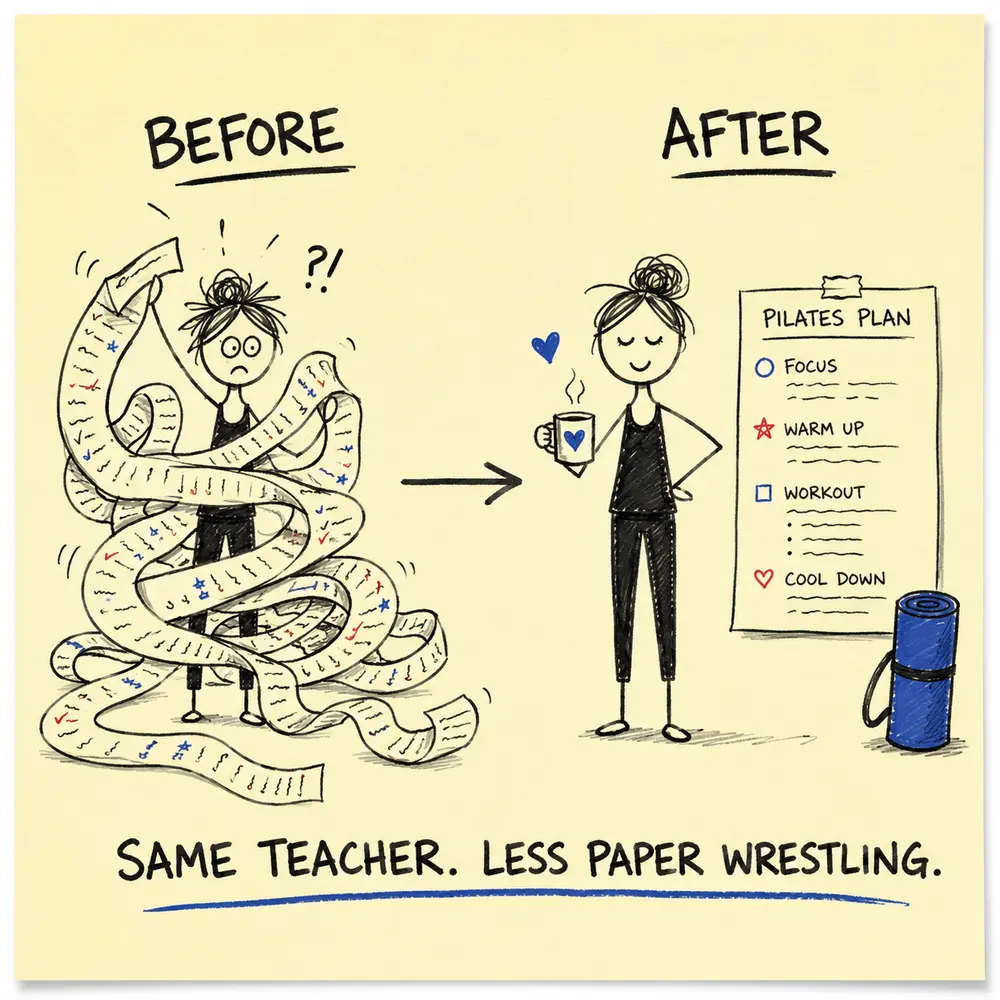
FROM GEORGE’S PILATES TEACHING DIARY
Software should remove admin, not professional judgement.
The planner can organise your choices. It cannot meet your students, inspect the room or notice the expression that says, “I have absolutely no idea what you mean.”
The Online Pilates Lesson Planner gives teachers one place to search for exercises, assemble a sequence, save plans and create useful versions. Its purpose is simple: reduce repetitive administration so you can spend more time thinking about the class.
It is not a button that makes every teaching decision. The best result still begins with a clear purpose and ends with a teacher reviewing what happened.
The Online Pilates Lesson Planner Workflow At A Glance
- Start With The Class, Not The Software: Define the audience, level, purpose, available time and equipment before opening any planning tool.
- Search With A Purpose: Use the exercise library to find suitable options, then make the teaching decision yourself.
- Build A Sequence You Can Teach: Arrange exercises into a practical progression with realistic transitions, setup and timing.
- Add The Details That Help: Keep the cues, notes, modifications and reminders that will genuinely support your teaching.
- Save, Copy And Adapt: Reuse a strong plan, duplicate it and change what the next class needs instead of starting from a blank screen.
- Use The Right Version: Choose the detailed teacher plan, a cleaner student-facing copy or another available view for the task.
- Review After Class: Make a short note about timing, clarity and student response so the next version improves.
1. Start With The Class, Not The Software
Define the audience, level, purpose, available time and equipment before opening any planning tool.
A digital tool cannot decide what is appropriate for a particular student or class. That remains the teacher’s job, along with working within training, insurance and professional scope.
2. Search With A Purpose
Use the exercise library to find suitable options, then make the teaching decision yourself.
Search is most useful when you have a clear reason: equipment, position, movement family, class focus or another relevant filter. A large library becomes helpful only after you ask it a sensible question.
3. Build A Sequence You Can Teach
Arrange exercises into a practical progression with realistic transitions, setup and timing.
Check the beginning, middle and end. Notice position changes, equipment changes and the amount of explanation each exercise needs. Dragging items into an attractive order is not the same as rehearsing a teachable class.
4. Add The Details That Help
Keep the cues, notes, modifications and reminders that will genuinely support your teaching.
A teacher plan should be detailed enough to jog your memory but simple enough to scan. If every cue is written down, the plan can become a second class demanding to be taught.
5. Save, Copy And Adapt
Reuse a strong plan, duplicate it and change what the next class needs instead of starting from a blank screen.
This is where a saved plan earns its keep. Keep the successful structure, then adjust the emphasis, level, timing or exercise choices for the next group.
6. Use The Right Version
Choose the detailed teacher plan, a cleaner student-facing copy or another available view for the task.
The detailed version is useful for preparation. A simpler copy can support student practice when appropriate. Use only the information the reader needs.
7. Review After Class
Make a short note about timing, clarity and student response so the next version improves.
Two sentences are enough: what worked, and what will change. Small edits create a useful personal plan library over time.
Paper Planning Versus Digital Planning
| Task | Paper | Online Planner |
|---|---|---|
| Starting a new plan | Blank page or old notes | Start fresh or copy a saved plan |
| Finding exercises | Memory, books and folders | Search and browse the exercise library |
| Reordering | Arrows, erasers or rewriting | Rearrange the plan |
| Reusing | Find and copy the old sheet | Duplicate and adapt a saved plan |
Paper is still perfectly useful. Use the method that makes planning clearer and teaching easier. The online planner is most valuable when searching, saving, adapting and producing clean versions are the parts consuming your time.
A Ten-Minute Planning Test
- Minutes 1–2: define the people, purpose and duration.
- Minutes 3–5: find and select the core exercises.
- Minutes 6–7: arrange the sequence and transitions.
- Minutes 8–9: add only the cues and alternatives you need.
- Minute 10: scan the plan from a student’s point of view.
The timer is not a target for every class. It is a useful experiment: notice which planning task creates the bottleneck, then decide whether the planner helps with that specific problem.
George’s Conclusion
The best planning tool is the one you will actually use before class and review afterwards. It should make good habits easier: clear purpose, sensible sequencing, saved versions and short reflective notes.
For the wider method, use these 101 Pilates class planning tips. When your sequence needs a name, choose from 101 memorable Pilates class titles.


George Watts
Latest posts by George Watts (see all)
- Pilates Referrals and Reviews: How to Ask Without Feeling Awkward - August 30, 2026
- Google Business Profile for Pilates Teachers: Free Local SEO Checklist - August 30, 2026
- Pilates Class Pricing Calculator: How Much Should You Charge? - August 30, 2026