

For Pilates instructor trainers
Teach the thinking behind the plan.
Use clear examples to examine sequencing, teaching choices and adaptations—then help trainees develop plans that are structured without all sounding as if they were produced by the same very confident photocopier.
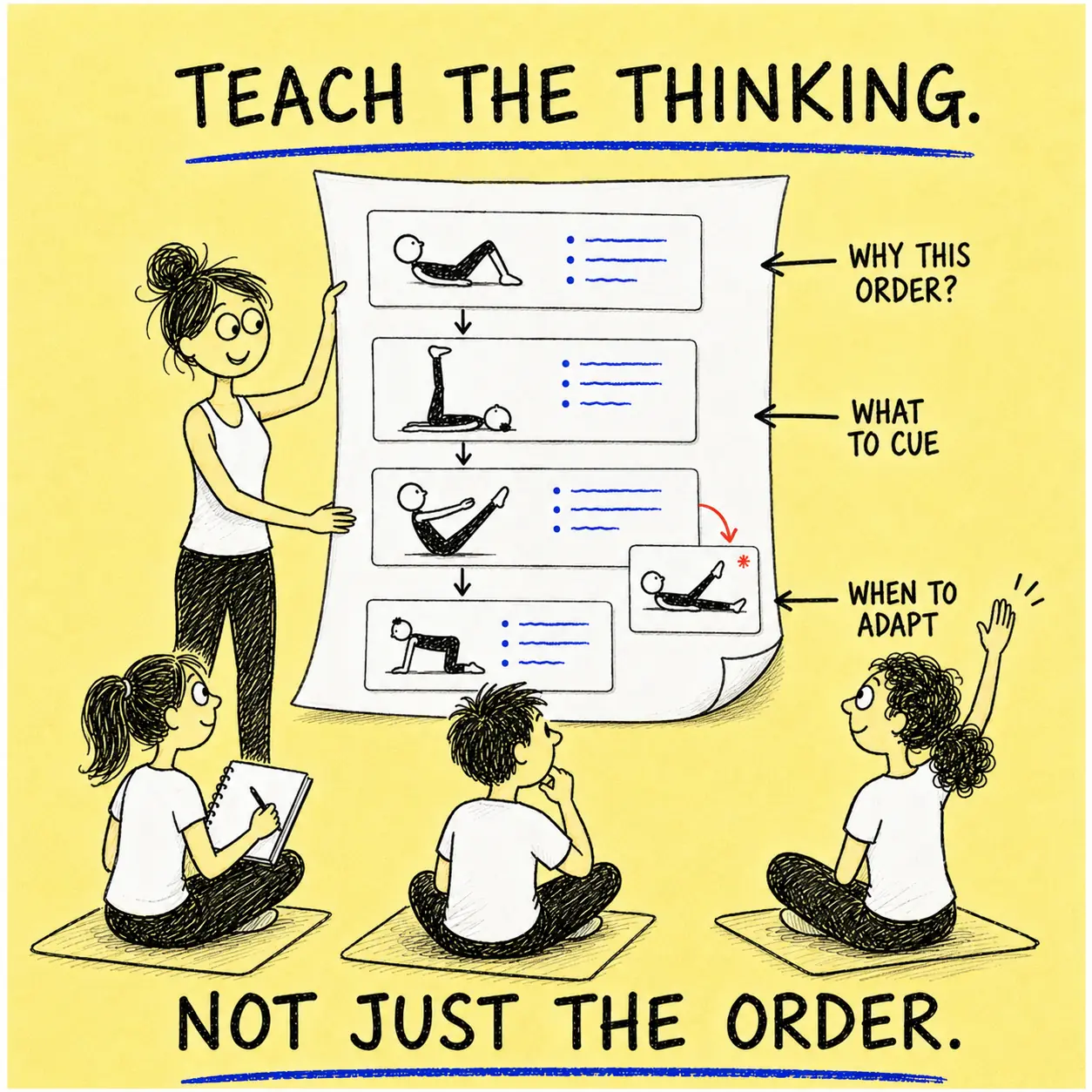
More than a template
Give trainees structure without doing their thinking for them.
Make structure visible
Show how a class moves from preparation through challenge to an appropriate finish, rather than presenting sequencing as mysterious tutor weather.
Compare real choices
Place different plans side by side and discuss why an exercise, transition, cue or modification belongs where it does.
Develop judgement
Start with a complete example, then ask trainees to adapt it for a different level, goal, body or teaching situation.
A simple teaching workflow
Demonstrate. Dissect. Develop. Discuss.
Demonstrate
Open a finished plan and show how its sequence works as a complete class.
Dissect
Examine the exercise order, teaching steps, benefits and available adaptations.
Develop
Copy the plan and reshape it for a different brief, group or learning objective.
Discuss
Compare the decisions made—not merely whether everyone selected the same exercises.

Short, Long and Stream
One sequence. Three useful ways to examine it.
Short Plan reveals the class structure at a glance. Long Plan gives trainees the fuller teaching information they need to study and annotate. Stream Plan helps them examine how a sequence flows in guided practice.
- Teaching steps and descriptions
- Benefits and exercise intentions
- Beginner, intermediate and advanced modifications
- Precautions and available exercise videos
- Editable notes and teaching cues
Consistency without cloning
A plan can have standards and still belong to its teacher.
Trainees can work from the same planning structure while making different, defensible teaching decisions. They can edit descriptions, add cues, reorder exercises and include their own movements.
The aim is not thirty identical plans marching neatly towards the filing cabinet. It is thirty teachers who can explain what they chose and why.

Useful training tools
A practical bank of examples, exercises and editable detail.
Generated starting points
Use Ask Genie to create a plan that trainees can evaluate, question and improve.
Shared plan examples
Draw from 10,000+ plans to compare approaches rather than relying on one model answer.
Broad exercise library
Explore 3,000+ exercises across 15 categories for varied sequencing assignments.
Editable teaching detail
Change instructions, cues and notes so trainees can practise expressing decisions clearly.
Printable plan formats
Use compact plans for practical teaching and detailed plans for study and feedback.
Saved courses
Group related plans into courses when exploring progression across several sessions.
An important distinction
A teaching resource—not the instructor trainer.
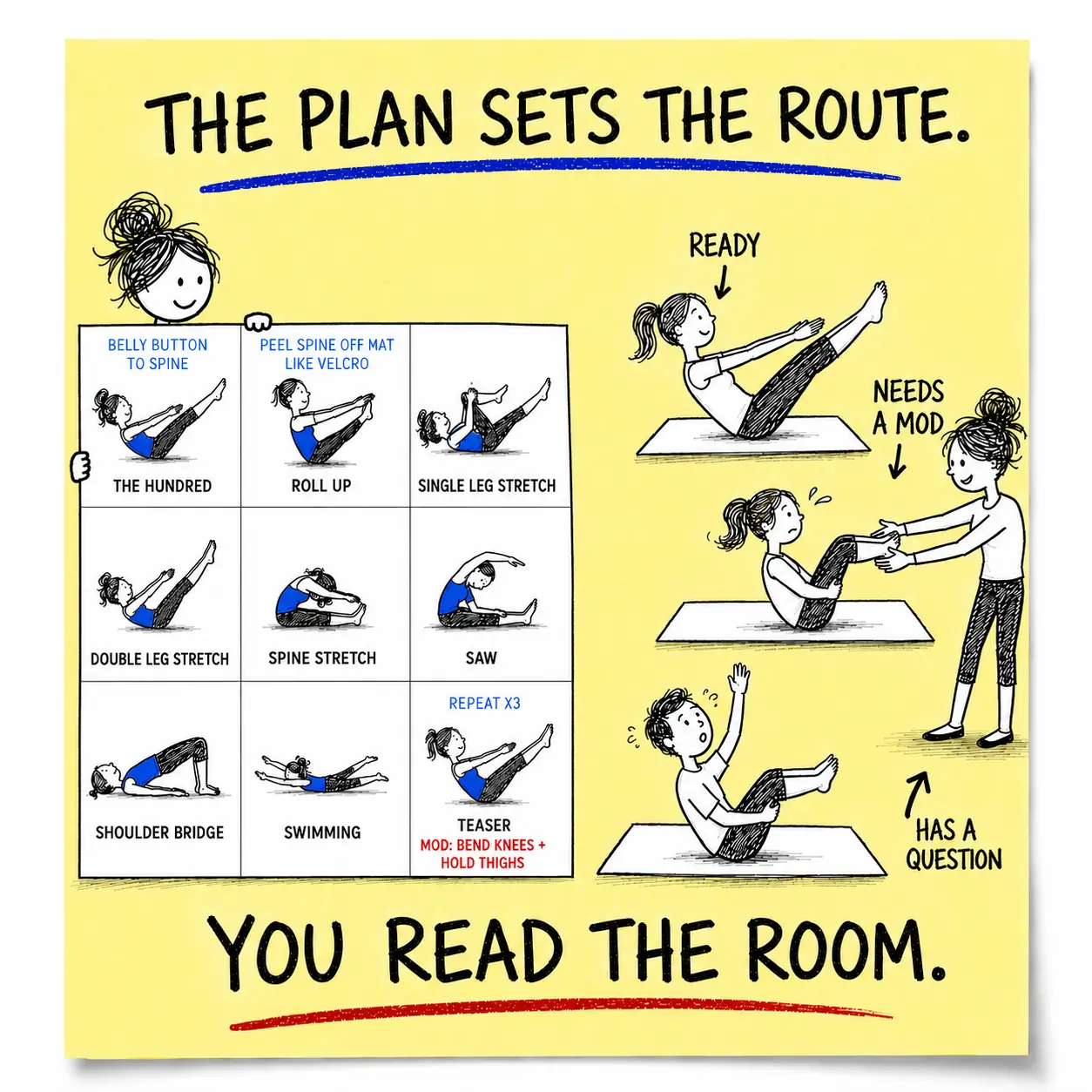
The Planner can supply examples, structure and editable teaching information. It cannot observe a trainee teach, assess practical competence or replace your professional feedback.
Which is rather fortunate. Software is notably poor at spotting the tiny facial expression that means, “I understand this perfectly and will definitely ask again in four minutes.”
Useful questions for instructor trainers
Before the first planning assignment lands.
Is the Planner suitable for Pilates teacher training?
It can be used as a planning and teaching resource. Long Plans are especially useful for examining teaching steps, benefits, modifications and precautions. It does not replace practical tuition, observation or assessment.
Can trainees create their own versions of a plan?
Yes. A plan can be copied and then reordered, edited and expanded with the trainee’s own cues, notes and exercises.
Can plans be printed for discussion or feedback?
Yes. Plans can be opened online or downloaded as PDFs, depending on the format being used.
Can I use free examples before deciding?
Yes. The Free Pilates Lesson Plans page includes public examples that can be inspected without an account.
How does access work for several trainers or trainees?
Each trainer or trainee needs their own Yearly or Lifetime membership to create, copy or edit plans inside the Planner. They do not need membership to view a plan URL sent to them or open a shared PDF.
Ready when you are
Demonstrate it. Discuss it. Develop judgement.
Explore the Planner’s teaching detail, begin with a free example or compare membership.