

For Pilates studio owners
More consistent classes. Less plan-chasing.
Give instructors useful starting points, keep successful plans in circulation and make class handovers easier—without rummaging through inboxes, messages and that drawer.
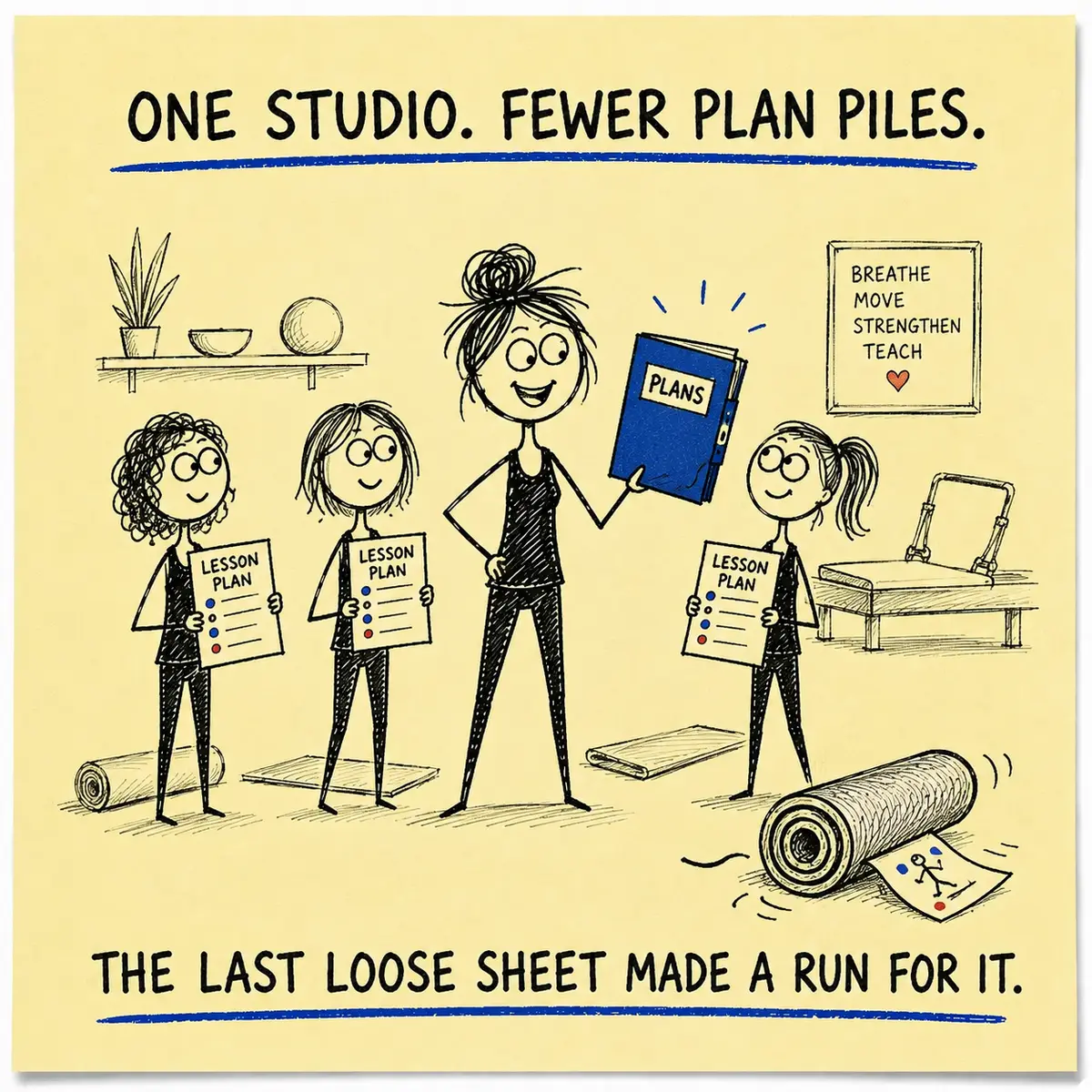
A simple studio rhythm
Plan it. Pass it on. Preserve what works.
Plan it
Create a starting plan with Ask Genie, copy a shared plan or build one from the exercise library.
Pass it on
Send a clear URL or PDF when another instructor needs to teach the class.
Preserve it
Keep the classes that worked, improve them and bring them back into circulation.
Inside the Planner
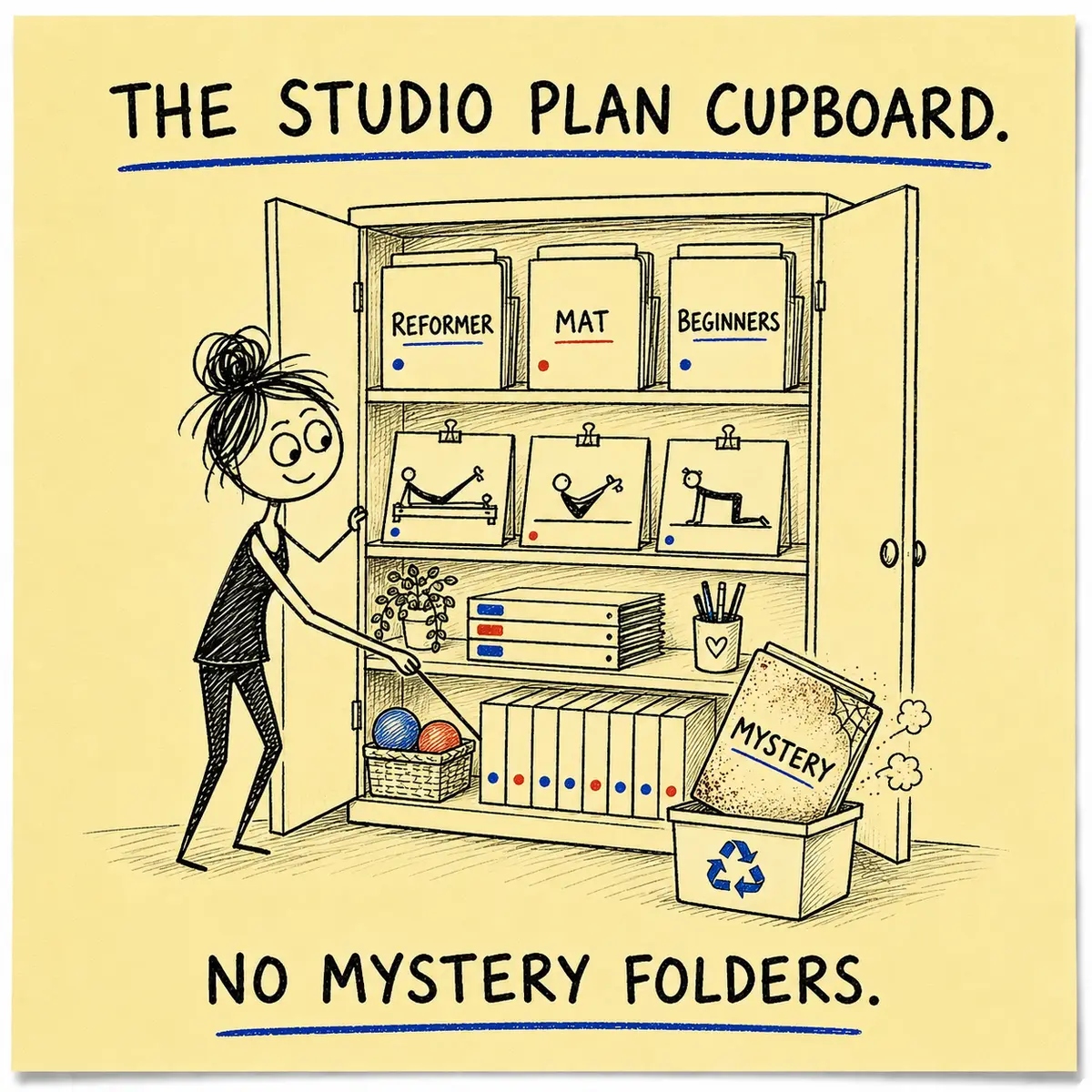
A useful studio planning cupboard—minus the mystery folders.
Ask Genie
Create a complete starting plan with one click, ready to review and adapt.
Shared plans
Explore 10,000+ editable examples rather than beginning every class at an empty page.
Exercise library
Choose from 3,000+ exercises across 15 categories when building a plan from scratch.
Editable detail
Change descriptions, add cues and notes, reorder exercises or include your own movements.
Courses and folders
Group useful plans into courses and keep repeat teaching easier to find.
Student plans
Keep individual student plans organised alongside the rest of your planning work.
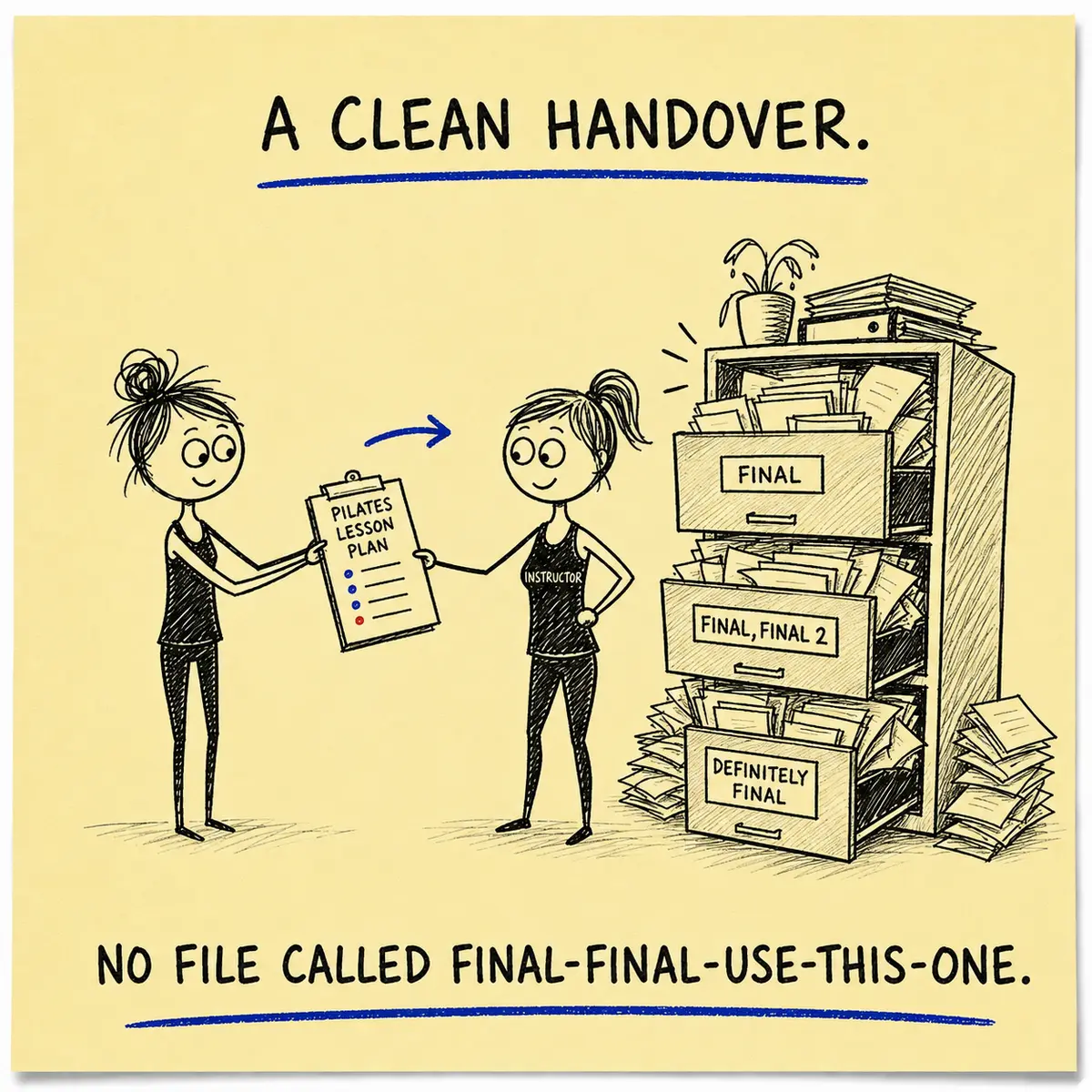
Class handovers
Pass on the plan—not a cryptic voice note.
A plan URL or PDF gives the covering instructor a clear route through the class. It is useful for holidays, timetable changes and those mornings when somebody messages, “Sorry—my car has become a decorative object.”
- Share a plan by URL
- Download or print a PDF
- Keep the concise Short Plan for teaching
- Use the Long Plan when more detail helps
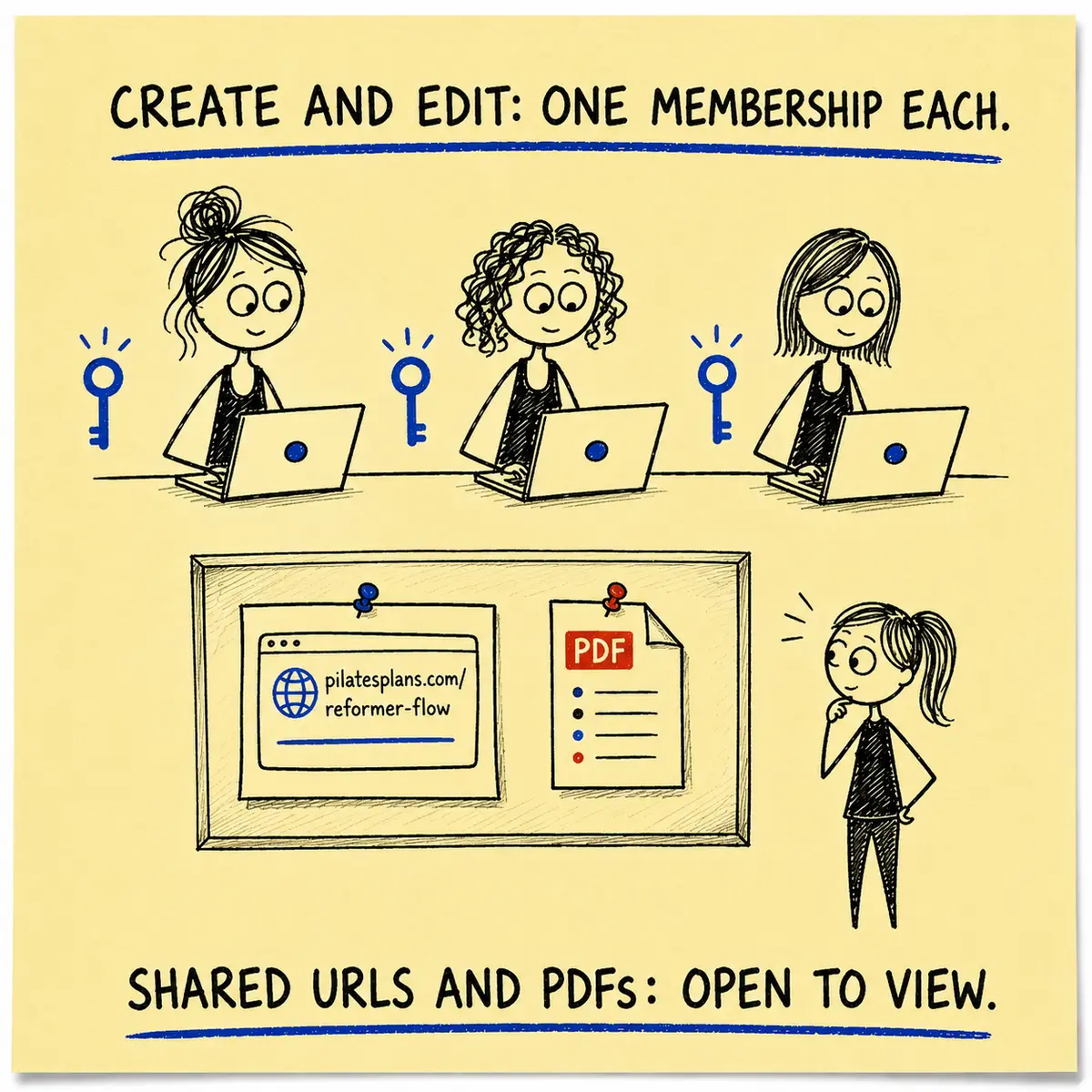
An important access distinction
Each creator has their own membership.
Each studio owner or instructor who needs to create, copy or edit plans requires their own Yearly or Lifetime membership.
People do not need a membership simply to view a plan URL or PDF that has been shared with them.
In short: share the finished plan freely; keep Planner logins individual.
What changes
More continuity without turning every teacher into the same teacher.
Clear starting points
Give instructors a visible class structure without prescribing every word and breath.
Flexible teaching
Edit plans for the people in the room while preserving the useful studio framework.
Better handovers
Send one clear plan instead of reconstructing the class from several cheerful fragments.
“Your online Pilates lesson planner software is INCREDIBLY helpful for me and I love the cues and simple imagery. So well worth the money.”

Ruby Glew
Pilates instructor and studio owner, Australia
Useful questions
Studio-owner questions, answered.
Can one membership cover the whole studio?
No. Each person who needs to create, copy or edit plans requires their own membership. A shared plan URL or PDF can be viewed without membership.
Can an instructor teach from a plan I send them?
Yes. You can send a plan URL, email it or provide a PDF. They only need their own membership if they want to copy, create or edit inside the Planner.
Will every instructor have to teach identically?
No. Plans provide structure and useful detail, but instructors can use professional judgement and adapt teaching to the people in front of them.
Can I organise repeat classes and courses?
Yes. Plans can be saved, copied, merged and grouped into courses so successful class ideas are easier to reuse.
Does the Planner replace staff training?
No. It is a planning and teaching resource. It cannot observe an instructor, assess practical competence or replace professional training and feedback.
Ready when you are
Plan it. Pass it on. Preserve what works.
Explore a free lesson plan or compare the Yearly and Lifetime options.
Where next? Explore every Planner tool on the Features page, see the membership options, or begin with a free lesson plan.